


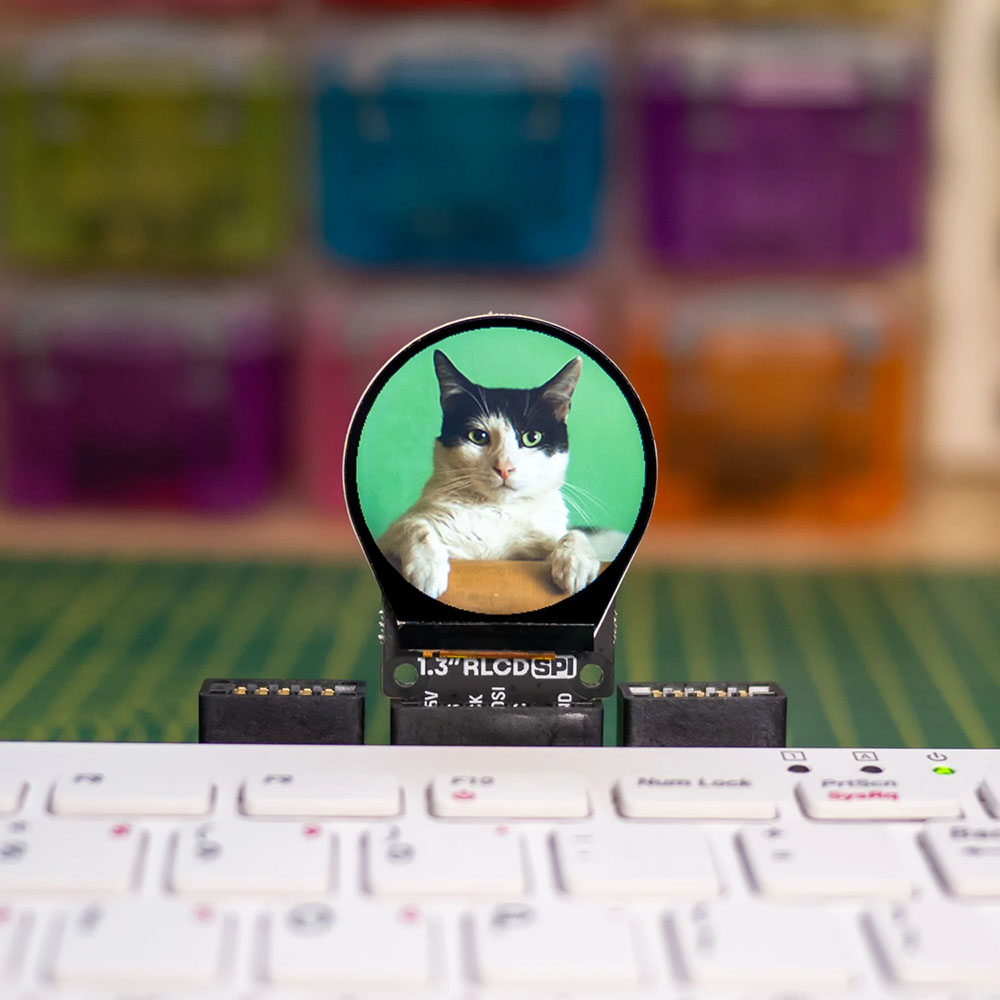

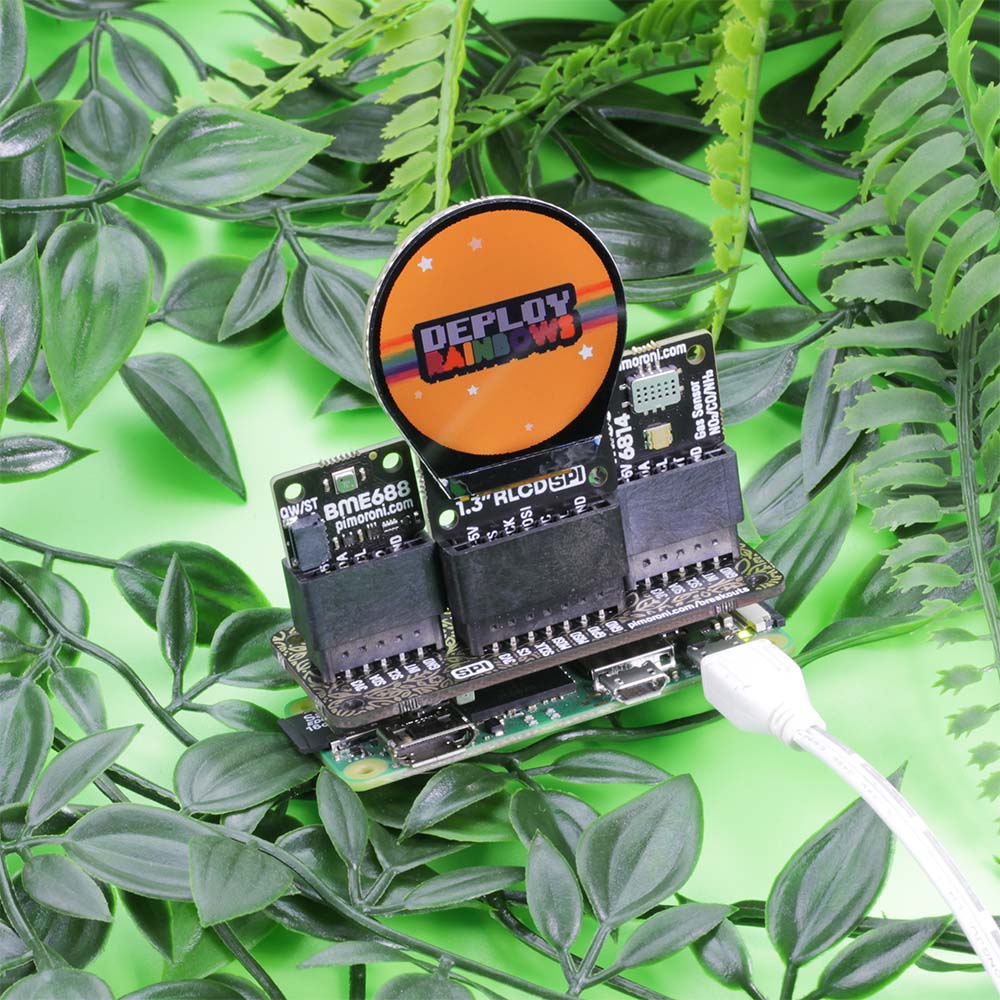

This unconventional round display is ideally shaped for things like watch faces, speedometers, and displaying data in interesting circular ways like pie charts and polar area graphs. You could also use it to add animated eyes to cosplay masks, build a moon phase tracker or just for displaying all the best round GIFs of pizzas, hypnotic spirals and chonky animals.
Like the squarer 1.3″ LCD breakout, it’s an IPS display so it has great viewing angles and it’s super-crisp and bright. It’s driven by SPI and you should be able to run it at up to ~60FPS, although we’ve found that anywhere from 10FPS looks good for most uses.
You can use this breakout completely solder-free with the Breakout Garden HATs;
- Pimoroni Breakout Garden Mini (I2C + SPI).
- Pimoroni – Breakout Garden for Raspberry Pi (I2C + SPI)
- Raspberry Pi Pico breakout garden
You may also need to enable I2C and SPI in raspi-config.
When running the generic examples, you’ll need to specify that you’re using a round display to offset the screen correctly, e.g.
This board can also be used with Raspberry Pi Pico and other RP2040 boards, using C++ or Pirate brand MicroPython.
Connecting to a Raspberry Pi:
If you’re not using a Breakout Garden, then this is how to connect your LCD Breakout up to your Raspberry Pi. The Python library is set up to use SPI 0 by default on the Pi (BCM 7 for CS, BCM 11 for SCK, and BCM 10 for MOSI), BCM 9 for DC, and BCM 19 for the backlight.
Here are which pins to connect between your LCD breakout and your Pi’s GPIO (note that it’s BCM pin numbering):
- 3-5V to any 5V or 3V pin
- CS to BCM 7
- SCK to BCM 11
- MOSI to BCM 10
- DC to BCM 9
- BL to BCM 19
- GND to any ground pin
You can of course use other pins with your LCD Breakout, but you’ll have to change them accordingly when you instantiate the display in your code.
Connecting to a Raspberry Pi Pico:
The easiest way to use these SPI breakouts with a Raspberry Pi Pico is by plugging them into a Pico Breakout Garden.
If you’d rather wire them up to a Pico directly, here’s how it goes!
- 3-5V to any 5V or 3V pin
- CS to GP17
- SCK to GP18
- MOSI to GP19
- DC to GP16
- BL to GP20
- GND to any ground pin
Features:
- 1.3″ colour round LCD
- 240×240 pixels (~260 PPI)
- Active area: 32.4mm diameter circle
- >10000 cd/m2 brightness
- ST7789 driver chip
- SPI interface
- 3.3V or 5V compatible
- Reverse polarity protection
- Compatible with all models of Raspberry Pi (Python library)
- Compatible with Raspberry Pi Pico (C++/MicroPython libraries)
Contents:
- 1 x 1.3″ SPI Colour Round LCD (240×240) Breakout.
Dimensions:
- Length: 36mm.
- Width: 50mm.
- Height: 5mm.
Requires:
- Raspberry Pi
- Raspberry Pi Pico
- A Breakout Garden HAT, such as;



Reviews
There are no reviews yet.