0
Your Cart
0
Your Cart

The Kitronik ZIP Hex LED has a single RGB LED which can be controlled with a Microprocessor to produce a full spectrum of colours.

The LED is a WS2812Mini, for which software packages are available for the BBC micro:bit and other processors.

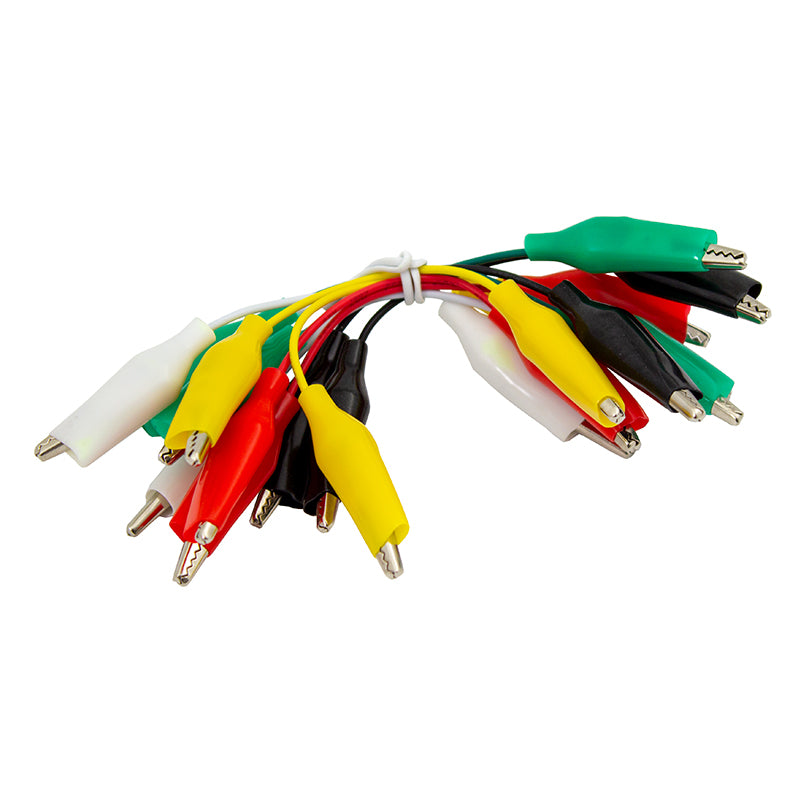
The board has been specifically designed to allow you to chain the boards together. They have 6 evenly spaced pads around the outside of the PCB that can be connected to with crocodile clips or M3 fixings. They can also be stacked by rotating the PCB 180 degrees to create columns.

The ZIP Hex LED has an operating voltage of between 3.5V to 5V and can be fed into the boards via the +V and 0V pads. Data to the LED is fed to the LED via the IN pad. When chaining ZIP Hex LEDs together, or other ZIP LED boards, the OUT of the first board should have a connection to the IN of the second board, repeated for each board in the chain. You would also connect the +V and 0V pads of each board together.

Features:

  • It features a single WS2812Mini LED which can produce a full spectrum of colours.
  • It can be controlled by a Microprocessor, such as the microbit.
  • The boards can be chained together.
  • The pads can be connected to with crocodile clips or M3 fixings.

Contents:

  • 1 x Kitronik ZIP Hex LED pack of 5.

Dimensions:

  • Point to Point Width: 21.5mm.
  • Length To Length Width: 19.5mm.
  • Height: 3.6mm.
  • PCB Thickness: 1.6mm

Video:


Resources:

Documents & downloads

Technical Information

AttributeValue
Operating Voltage (V) 3.5V to 5V.
Supply Current (mA) 50mA at 5V.
LED Current (mA) 16mA per RGB channel at 5V.
Pin +V Voltage supply.
Pin 0V Ground supply.
Pin IN Data in to LED.
Pin OUT Data out of LED.

Related resources

Reviews

There are no reviews yet.

Be the first to review “Kitronik ZIP Hex LED, pack of 5”

Your email address will not be published. Required fields are marked *

Questions and answers

    Where are the instructions for using these lights using the microbit as illustrated on your video?
  1. 0 votes
    Q Where are the instructions for using these lights using the microbit as illustrated on your video?
    Asked by Martin Montague on February 4, 2019 12:00 am
    Answered by the admin Hi Martin,

    Thank you for your question, I am afraid we do not have instructions for those released just yet but we do have a getting started guide on the link below and the main difference is the number of LEDs being used. So if you had 4 of these LEDs attached you would tell the micro:bit there were 4 LEDs at PIN 0.

    https://www.kitronik.co.uk/blog/using-kitronik-zip-leds-bbc-microbit/

    The link below contains example code for creating a rainbow effect again you just need to alter it cover the number of LEDs being used.

    https://www.kitronik.co.uk/blog/adding-extra-zip-leds-to-halo-for-the-bbc-microbit

    Best Regards

    Cullen
  2. How would i manage to connect all 5 to a microbit using wires? and not crocodile clips?
  3. 0 votes
    Q How would i manage to connect all 5 to a microbit using wires? and not crocodile clips?
    Asked by Tom on January 25, 2019 12:00 am
    Answered by the admin Hi Tom, If you were wanting to use wires then you could you an M3 screw and nut and place the wire between the nut and the PCB. The other boards could be connected together with just screws and nuts.
  4. HelloWe mainly use PICAXE microcontrollers, can these control them as they look great.Thanks Rob
  5. 0 votes
    Q HelloWe mainly use PICAXE microcontrollers, can these control them as they look great.Thanks Rob
    Asked by Rob Woolley on December 7, 2018 12:00 am
    Answered by the admin Hi Rob,

    Thank you for your question, in theory yes they could run these but it would require a lot of work with hacking circuits and rewriting some of the base code on these.

    Best Regards

    Cullen
To submit a question, please login or create an account