0
Your Cart
0
Your Cart

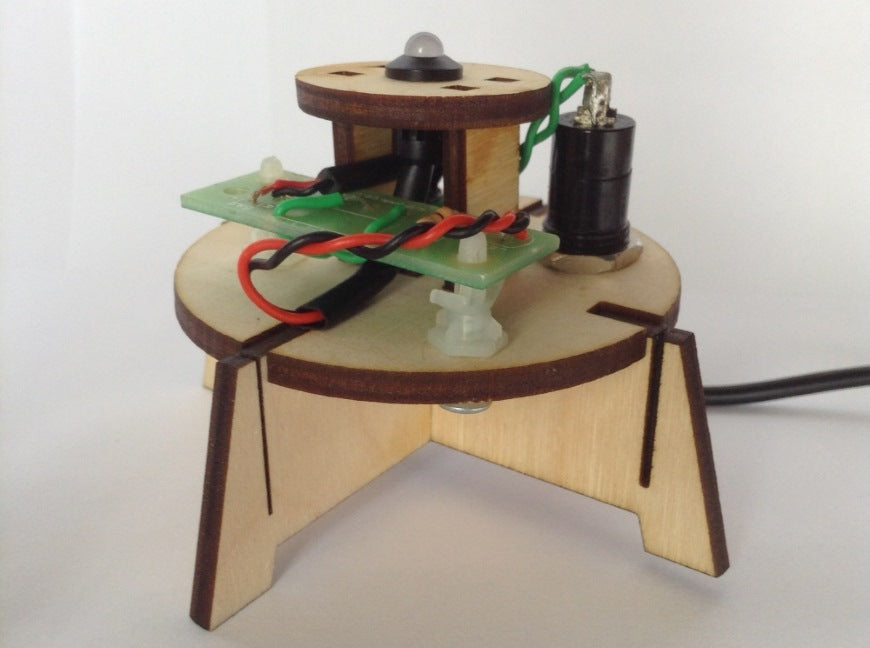
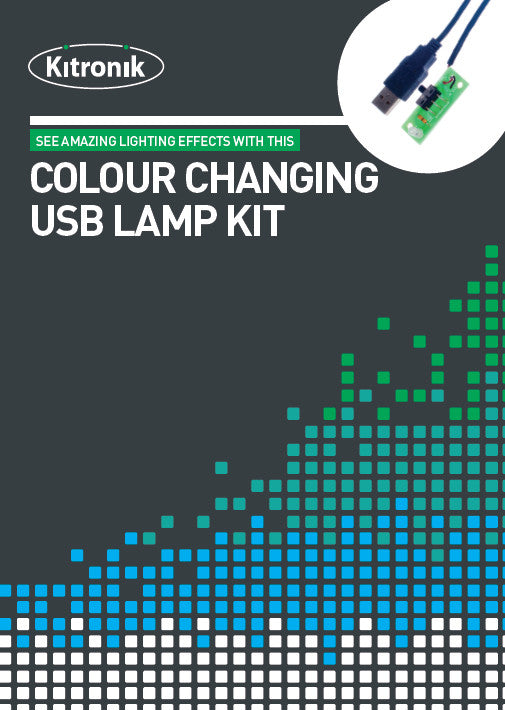
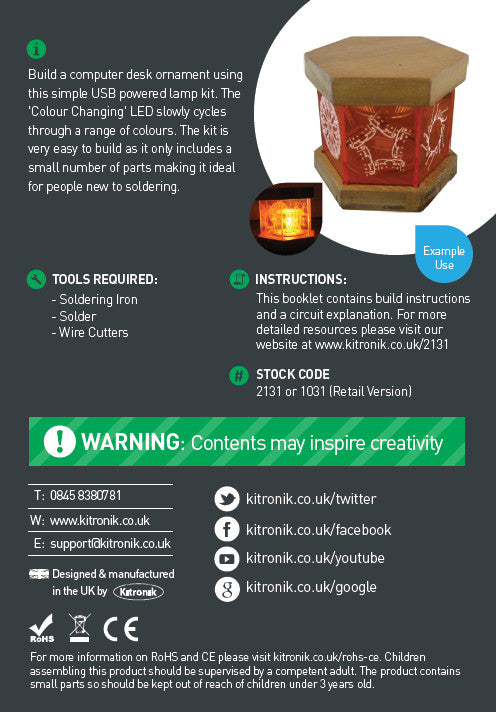
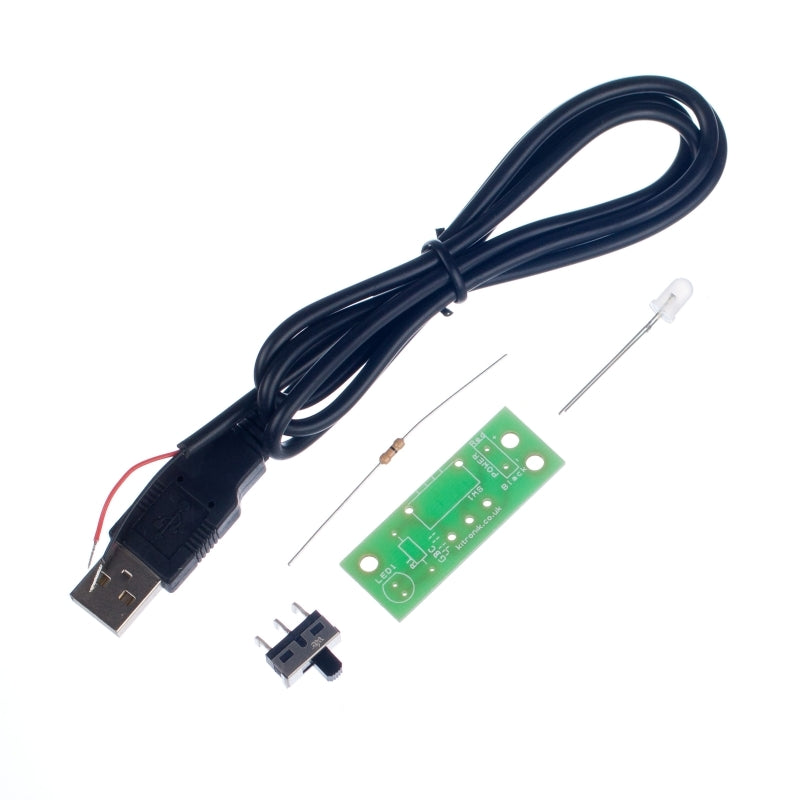
Build a computer desk lamp or ornament using this simple board. This kit is the colour changing version, it is also available in a white version. The board takes power from a USB port and the light can be turned on / off with the on board switch.

Features:

  • Colour Changing USB Lamp Kit.
  • The Colour Changing LED slowly cycles through a range of colours.
  • The board takes power from a USB port and the light can be turned on / off with the on board switch.
  • This kit is also available in a white version.

Contents:

Dimensions:

  • PCB Length: 44mm.
  • PCB Width: 16.5mm.

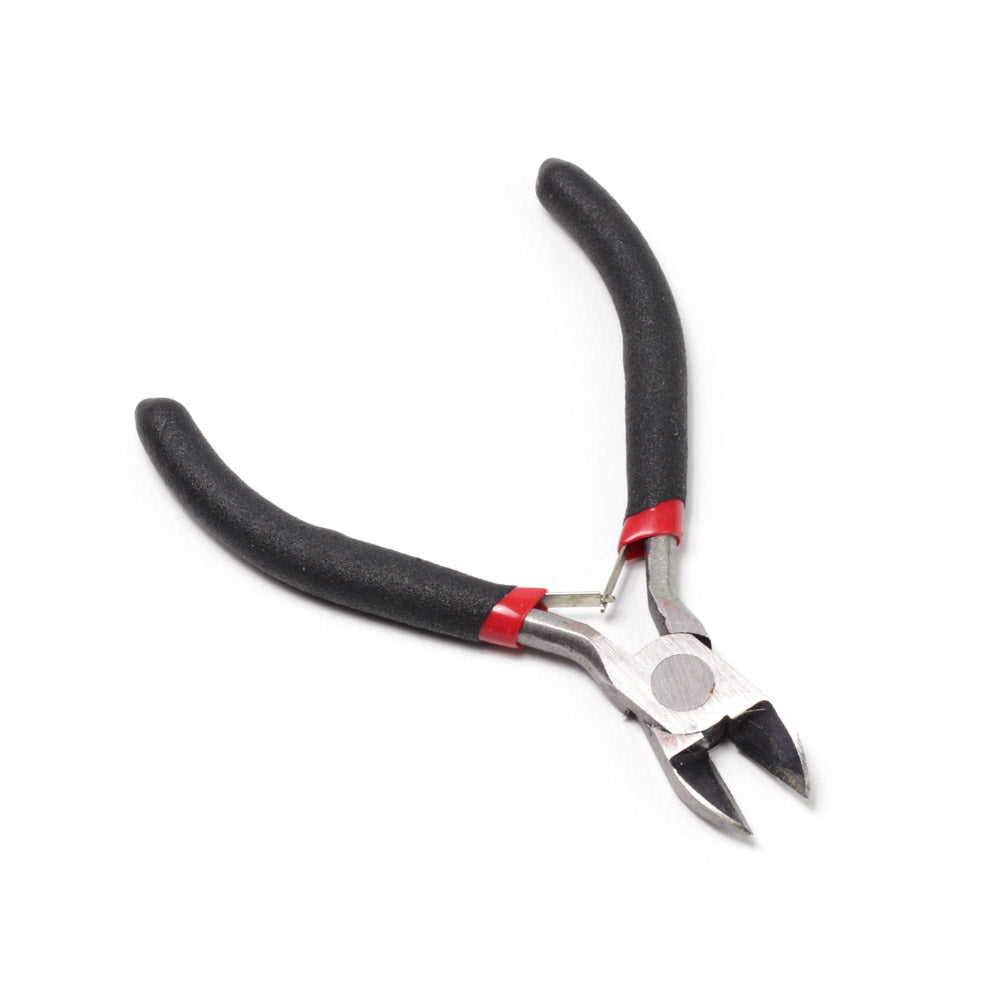
Requires:

Resources:

Note:

  • This kit requires soldering.

Documents & downloads

Technical Information

AttributeValue
PCB Length 44mm.
PCB Width 16mm.
PCB Component Count 4.
Voltage Nominal 5V.
Voltage Range 4V - 5.5V.
Current Max at Nominal Voltage 67mA.

Related resources

Reviews

There are no reviews yet.

Be the first to review “Kitronik Colour Changing USB Lamp Kit”

Your email address will not be published. Required fields are marked *

Questions and answers

    Can the colour changing USB lamp kit be powered from a USB port on a Computer?
  1. 0 votes
    Q Can the colour changing USB lamp kit be powered from a USB port on a Computer?
    Asked by Laura Bletsoe on July 4, 2018 12:00 am
    Answered by the admin Hi Laura, Yes certainly, the board will draw around 20-30mA, so is more than suitable to be run from a USB port on a PC.
  2. Could you power multiple colour change LEDs on a single USB connection?
  3. 0 votes
    Q Could you power multiple colour change LEDs on a single USB connection?
    Asked by Hermione Stewart on December 8, 2017 12:00 am
    Answered by the admin Hi Hermione, If the USB is being powered from a PC or Laptop then the maximum current is 500mA but if other devices are connected it would be less, from a wall power supply it is typically 1A. A colour changing LED takes between 20-50mA depending on the colour being shown, so even at the maximum you could have around 10 LEDs and still be ok.
  4. I am teaching Product Design in a secondary school and have recently purchased the LED USB kit and would like to attach more LED's to the circuit. Please can you advise on how to achieve this?Thank you for your time
  5. 0 votes
    Q I am teaching Product Design in a secondary school and have recently purchased the LED USB kit an...... Read more
    Asked by Liz on May 17, 2014 12:00 am
    Answered by the admin You can attach multiple LEDs of the same type to the + and ? pads where you would normally put the one LED. An easy way to do with is to solder wires into the place where you would normally solder the LED then to connect multiple LEDs to those two wires. You should be able to get about 10 or so without any problems. 20 would be the maximum I would recommend from one USB kit.

    Google 'LEDs in parallel' if you are unsure.
  6. Hi there Is it possible to add a second LED (5mm standard non-flashing) to the circuit, and would I need to add another resistor or solder a different resistor on to the circuit board. Many thanks
  7. 0 votes
    Q Hi there Is it possible to add a second LED (5mm standard non-flashing) to the circuit, and would...... Read more
    Asked by Andy on January 8, 2013 12:00 am
    Answered by the admin The USB port, the cable and the switch will be fine with the extra current of one additional LED. If you are using a colour changing LED with a standard LED, I?d connect the standard LED and current limit resistor to the board and then connect the colour changing LED to the board afterwards. Whilst the board has a space for a resistor and the kit is supplied with a zero ohm resistor this is nothing more than a wire link. Having connected the standard LED and resistor to the board the flashing LED can be connected across flat edge of the standard LED and the pad on the resistor nearest the mounting hole.
To submit a question, please login or create an account