



 +
+ 
Develop your coding skills with the Kitronik ARCADE, a fully featured programmable gamepad for use with the MakeCode Arcade block editor.
The MakeCode Arcade editor has been designed to allow everyone, from beginners to experienced game enthusiasts, to create retro arcade games to run in the browser or on handheld consoles. It consists of drag-and-drop blocks that snap together to form programs. You can also write your code in Javascript and Python! The Kitronik ARCADE is a handheld gaming platform designed specifically for use with the MakeCode Arcade editor, either write your own games and run them on ARCADE or download existing games and enjoy a fully-featured handheld gaming experience.
Onboard Features:
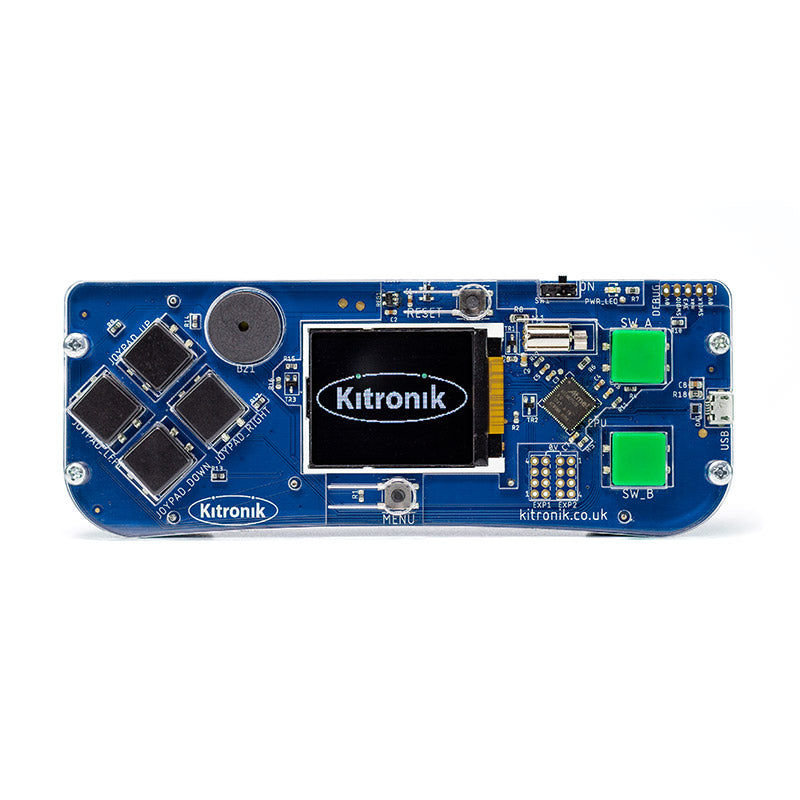
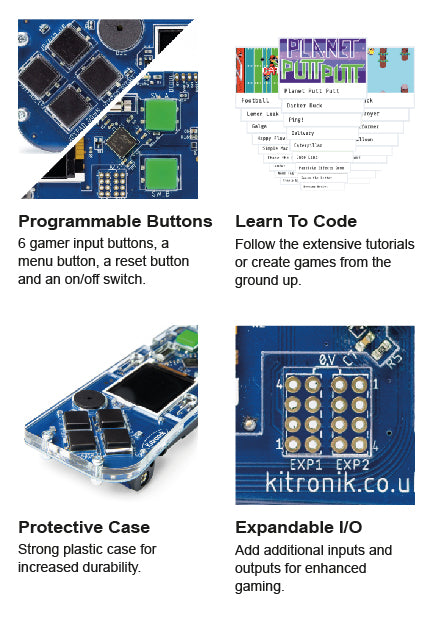
The Kitronik ARCADE has been specifically designed to offer the perfect platform for running these games. It’s packed full of features and has been ergonomically designed for comfort and ease of use. It features a full-colour LCD wide viewing angle screen, a piezo sounder for audio feedback, a vibration motor for haptic feedback, 6 gamer input buttons, a menu button, a reset button and an on/off switch. Everything you need for the perfect gaming experience. It also features a software volume control, a USB programming port, and 2 expansion ports for expert-level users.
For Education:
The emphasis for MakeCode Arcade is Learning/Education and there are a wealth of resources available on the MakeCode Arcade website to facilitate this. There are; guided tutorials that walk you through creating simple games, more complex games that you can open and learn from, games written by community members that you can learn from, game concepts tutorials, tutorials that explore graphics and Maths, lesson plans, CS courses, printable coding cards for the classroom, video tutorials, and much more!
For Fun:
Sometimes it’s all about playing! ARCADE offers a fully-featured platform for an immersive handheld gaming experience. If coding isn’t your thing and you just want to play, there are a wealth of games available on the MakeCode Arcade website that you are free to download and enjoy, with no learning/debugging required. Access to these games is free and more are being added by users continuously. Just browse for something you like, download it, and then sit back and enjoy the experience.


Power:
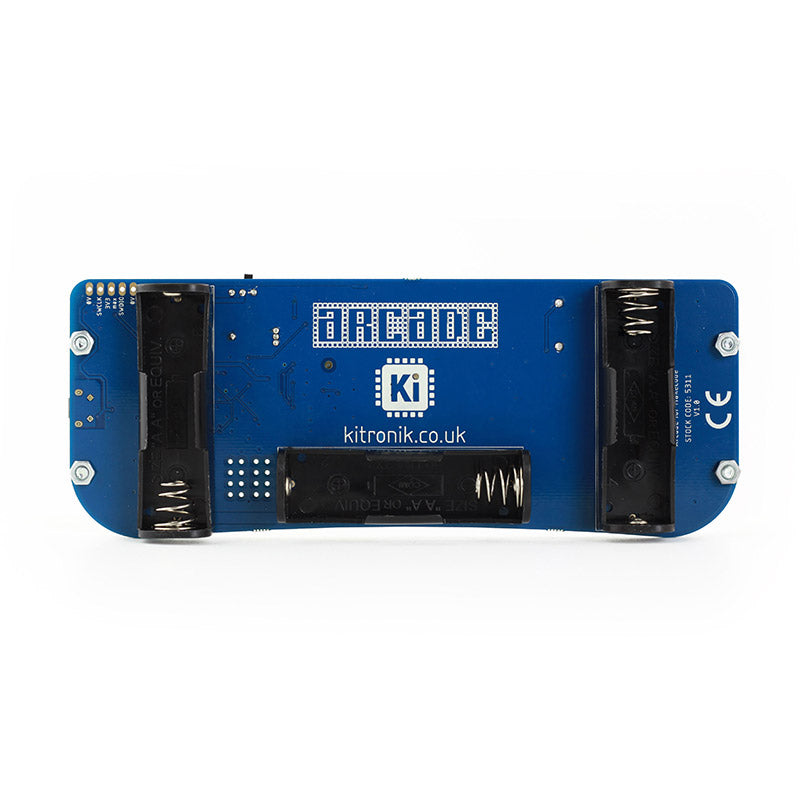
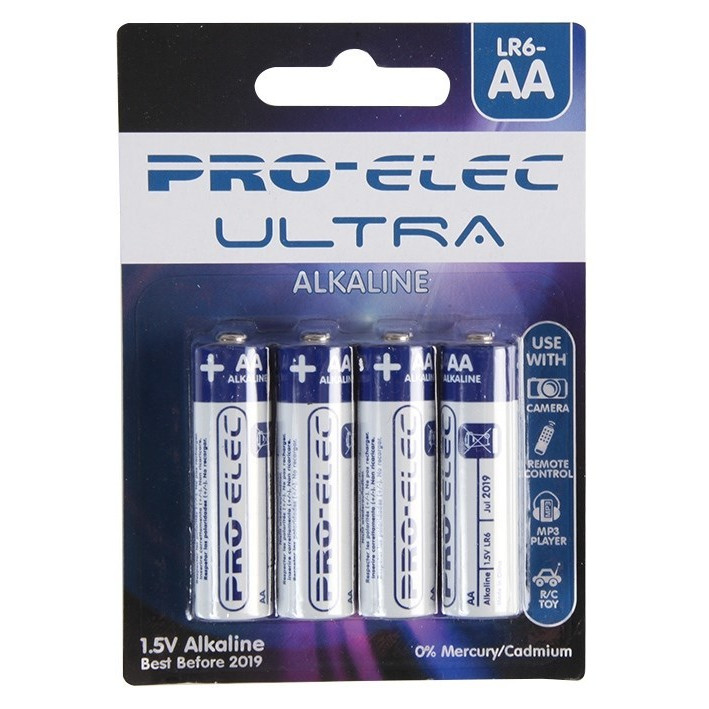
The ARCADE can be powered by either 3xAA batteries or via the micro USB connector, with the battery holders located on the rear of the PCB. The three battery holders have been ergonomically positioned to also act as hand grips for maximum comfort and control when gaming. The onboard powering via batteries allows you to play your games anywhere you like; on the train, on the couch, or anywhere else!
For Advanced Users:
And for the advanced user, we have 2 expansion ports and a debugging port. The expansion ports give you direct access to the microprocessor pins and the debug port allows you to customise the bootloader code. For more information, please see the last page of the Datasheet and our GitHub repository. Permanent damage can happen here, so please avoid,it unless you, are confident you know what you’re doing.

Features:
- The Kitronik ARCADE is a feature-packed handheld gamepad for use with the Microsoft Arcade editor.
- Write your own games to play or freely download games from the MakeCode Arcade website.
- Use the wealth of educational material available to create a game from the ground up or tweak existing code and learn the open-source way.
- It features a full-colour LCD wide viewing angle screen.
- It has a piezo sounder for audio feedback.
- Make use of the vibration motor for haptic feedback.
- It also features; 6 gamer input buttons, a menu button, a reset button and an on/off switch.
- There is also a software volume control, a USB programming port, and 2 expansion ports for expert-level users.
- The ARCADE can be powered by either 3xAA batteries or via the micro USB connector.
Contents:
- 1 x ARCADE for MakeCode Arcade gamepad.
- Laser-cut protective case parts and fixings.
Dimensions:
- Length: 155mm.
- Width (Max): 60mm.
- Height (Max): 28.3mm.
Video:
Requires:
Resources:
-
Datasheet.

- Hour of code Educators Guide & Teacher Resources.
- Access countless hours of tutorials, lesson plans and more at the MakeCode Arcade website.
- Tech Talks – Live Playback.


Reviews
There are no reviews yet.