
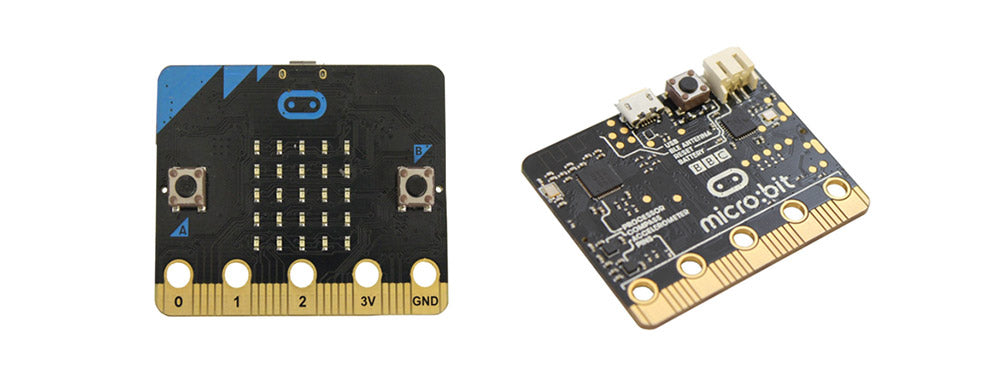
 This Kitronik University Resource is a part of the BBC microbit partnership and explains the various options available for powering the BBC microbit.
Powering the BBC microbit:
Learn how to:
- Power the BBC microbit.
JST Connector:
The most obvious common and convenient of powering the BBC microbit would be the on-board JST connector. A simple 2xAAA battery holder with JST connector can be used, ours has an M3 mounting hole in the centre which makes it perfect for use with our MI:pro protector case as seen in the image below. With this option the BBC microbit is powered and protected whilst still allowing access to the edge connector.

Micro USB:
The on-board micro USB connector whilst very commonly available is not a very portable solution, but could be of great use for projects where the BBC microbit stays in the same location.
GPIO Pins:
There are some other options available for powering your BBC microbit, including the clearly marked 3V and 0V GPIO pins on the edge connector of the board.

Direct connection:
There are two pads on the back of the BBC microbit which can be powered with a direct connection. The 3V pin is the one closest to the edge connector as indicated in the image below.


MI:power board for the BBC microbit:
The MI:power board for the BBC microbit brings real portability to your projects. The stylish, lightweight PCB is designed to fit snugly against the BBC microbit and features a built in buzzer, on/off switch and 3V coin cell holder, making it an ideal option for powering the BBC microbit.
